Oct 02, 2025
Getting Started with TenderBot IO: Onboarding, Best Practices & Common Mistakes to Avoid
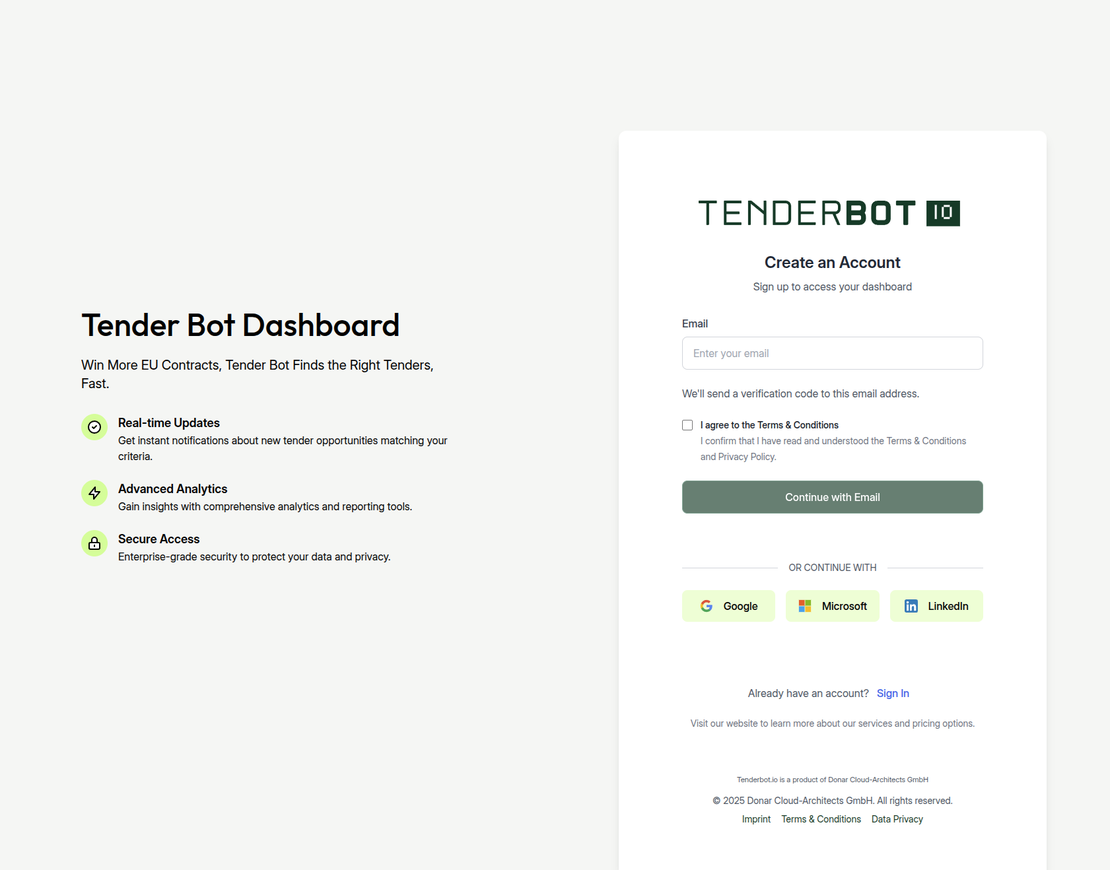
Starting with a new tool is always exciting—but it can also feel overwhelming if you don’t know where to begin. TenderBot IO is designed to make your tender evaluation process faster, smarter, and more strategic. With the right setup and habits, you can save up to 75% of evaluation time and focus your energy on winning the tenders that really matter.
In this guide, we’ll walk you through:
- How to get started with TenderBot IO step by step
- Best practices to maximize results from day one
- Common mistakes new users make—and how to avoid them
Step 1: Start with Your Website
Onboarding begins with a simple step: enter the URL of your company website.
TenderBot IO automatically scans your site and pre-fills key information such as:
- Industry and service areas
- Keywords related to your products and services
- Regions inferred from your content
This gives you a strong head start—saving time and reducing manual setup.
Of course, you remain in full control:
- All extracted information can be reviewed and edited in the next steps.
- You can refine details further to align with your business goals.
✅ Pro Tip: Even if you let TenderBot pre-fill your data, double-check your criteria. Precision here will ensure the most accurate tender recommendations.
Step 2: Refine Your Company Profile
After auto-extraction, fine-tune your profile:
- Confirm your industry focus and add/remove sectors.
- Specify the countries and regions where you want to operate.
- Adjust or add keywords to capture your strengths more precisely.
This refinement step ensures TenderBot matches you only with high-relevance tenders.
Step 3: Explore Your Dashboard
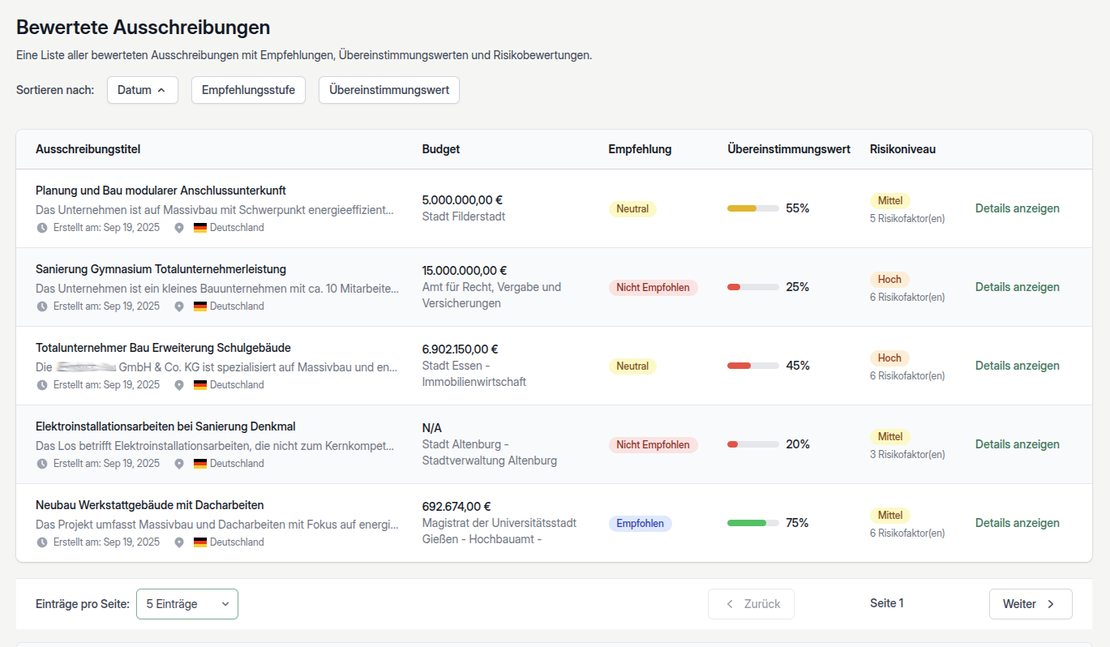
Once your profile is confirmed, TenderBot IO starts scoring tenders against it. Your dashboard provides an overview of:
- Recommended tenders that best match your profile
- Neutral tenders that might expand your opportunities
- Analytics and trends showing how your pipeline evolves

Step 4: Set Up Notifications
Enable real-time notifications so you never miss an opportunity. TenderBot IO integrates with:
- Slack
- Microsoft Teams
- Google Chat
- Email alerts
✅ Pro Tip: Share notifications with your entire bid team, so everyone stays aligned and reacts quickly.
Step 5: Evaluate and Prioritize Opportunities
TenderBot IO delivers a scored shortlist of tenders. Best practice is to:
- Focus first on Recommended tenders (highest scores).
- Use Neutral tenders as exploratory opportunities.
- Assess budget, deadlines, and risks before committing resources.
Best Practices for Success
- Review weekly analytics to refine your company profile.
- Keep information fresh—update your profile as your business evolves.
- Align with your team by sharing dashboards and reports.
- Use Neutral tenders strategically for testing new markets.
Common Mistakes to Avoid
❌ Skipping the website step
Let TenderBot auto-extract information—it saves time and ensures a more complete profile.
❌ Accepting pre-filled data without review
The extraction is smart, but you know your business best. Fine-tuning is key.
❌ Setting criteria too broad
Avoid being flooded with irrelevant tenders—start narrow, expand later.
❌ Relying only on automation
TenderBot gives you a head start, but human judgment is still critical for final decisions.
Conclusion
Getting started with TenderBot IO is straightforward: begin with your website, refine your profile, explore the dashboard, and enable notifications. By following best practices and avoiding common pitfalls, you’ll save time, cut costs, and focus on the tenders that give you the best chance of success.
👉 Ready to experience the difference? Log in to your dashboard or start your free 4-Weeks trial today.
Related Blogs
See All Blogs


Streamline EU Tendering
Automate discovery and evaluation of public contracts, so you focus on bids that truly fit.
Begin Your Free TrialEU, EEA & Switzerland

Austria

Belgium

Bulgaria

Croatia

Cyprus

Czech Republic

Denmark

Estonia
Austria
Belgium
Bulgaria
Croatia
Cyprus
Czech Republic
Denmark
Estonia

Finland

France

Germany

Greece

Hungary

Ireland

Italy

Latvia
Finland
France
Germany
Greece
Hungary
Ireland
Italy
Latvia

Lithuania

Luxembourg

Malta

Netherlands

Poland

Portugal

Romania

Slovakia
Lithuania
Luxembourg
Malta
Netherlands
Poland
Portugal
Romania
Slovakia

Slovenia

Spain

Sweden

Iceland

Liechtenstein

Norway

Switzerland
Slovenia
Spain
Sweden
Iceland
Liechtenstein
Norway
Switzerland
Serving all European Union, European Economic Area countries and Switzerland.
EU Buyer Reach

Tender Bot tracks every public buyer across Europe and funnels the most relevant.
Save Time and Make Better Tender Decisions
Focus on the tenders that matter—Tender Bot automatically screens EU-wide public opportunities, ranks them against your capabilities, and delivers a shortlist you can act on. Spend less time sifting through notices and more time crafting winning proposals.
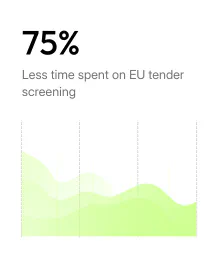

* Internal benchmark tests (July 2025) show that an experienced analyst needs about 15 minutes¹ to perform the first-pass qualification of a typical EU tender. With TENDERBOT IO, that same analyst can pre-qualify roughly 150 tenders in the same 15 minutes — around 10 tenders in ± 1 minute. This represents a reduction in screening time of well over 90 %. To stay conservative and cover variations in document length and working style, we therefore communicate “up to 75% time savings.
¹ Calculation assumes an average reading speed of ~2 minutes per A4 page and an average tender length of ~7 pages.